When I try to copy links to test cases, the resulting links do not work if the project has a key defined - UP in this very case. They first redirect to /dashboard/ and then /UP/dashboard. Links to projects with just a numeric tag (/p/ID/ in the URL) work fine.
An example of a nonfunctional link: Testiny redirects first to Testiny and then Testiny
If I manually drop the project tag, like Testiny the links work.
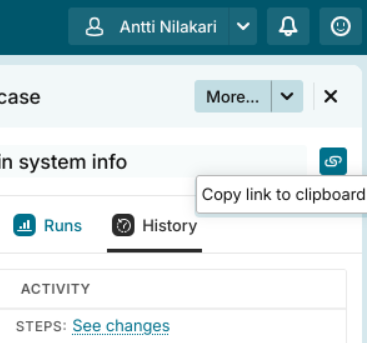
Talking about this button:
Is this a bug or a configuration issue on our side?
2 Answers
2
Hello Antti,
Welcome to the forum of Testiny!
Thanks for the detailed report – it appears that you found a real bug here. A project key like UP collides internally with our routing (e.g. for user profiles), which causes the link to lose its destination and land on the dashboard instead.
We’ll get a fix out for this – but in the meantime, as a workaround, renaming your project key to something that doesn’t match those reserved codes (e.g. UPJ instead of UP) will make copied links work correctly right away.
Sorry for the inconvenience and thank you for catching it!
David
This problem should now be fixed with the Testiny v1.43.0 release.
Best regards,
Alex