Currently I can not clearly see which step i am working on while editing a test case with the format Test Steps.
it would be nice if the test step i click on is highlighted in some way. Preferably a different background color, since framing the step would be a lot of visual clutter.
2 Answers
2Hi,
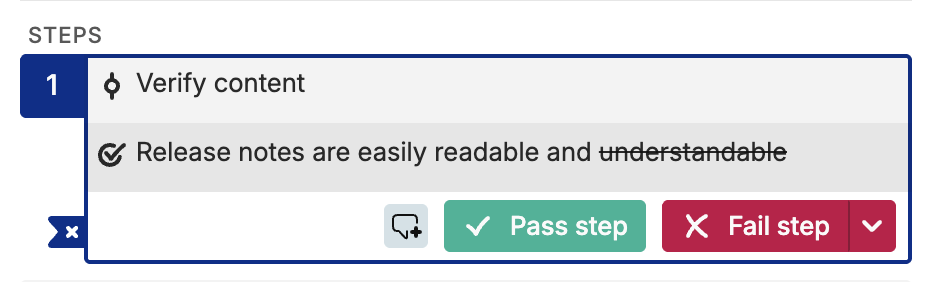
We’re always looking for ways to improve the user experience of our application and have been experimenting with different approaches to make the currently selected steps more visible. One of the ideas was actually to use a different background color for the selected steps. While we ultimately went for the framed version to make the focus more obvious, I’d love to revisit that idea for the edit mode. When we expand our editor again, we’ll definitely explore options to highlight the steps that are currently being edited.
Thanks, David
I misunderstood, I was talking about the implementation during the execution where it is crucial to know which step you’re actively working on. For the edit mode, there is currently no designation which step is in focus.
All good! thx for the quick response :) if possible, please take my feature request with u when reevaluating the editor
– Hashim_Hamid
Hello David, is that already implemented? I only see the framing around the test step segment as a whole not the individual steps... Could you tell me if and when the framing for test steps will be released? Thx
– Hashim_Hamid