Hi there!
Not sure if this is a bug or a user error on my part. I am unable to create a report of my test run from Safari, but have no problem when doing so from chrome.
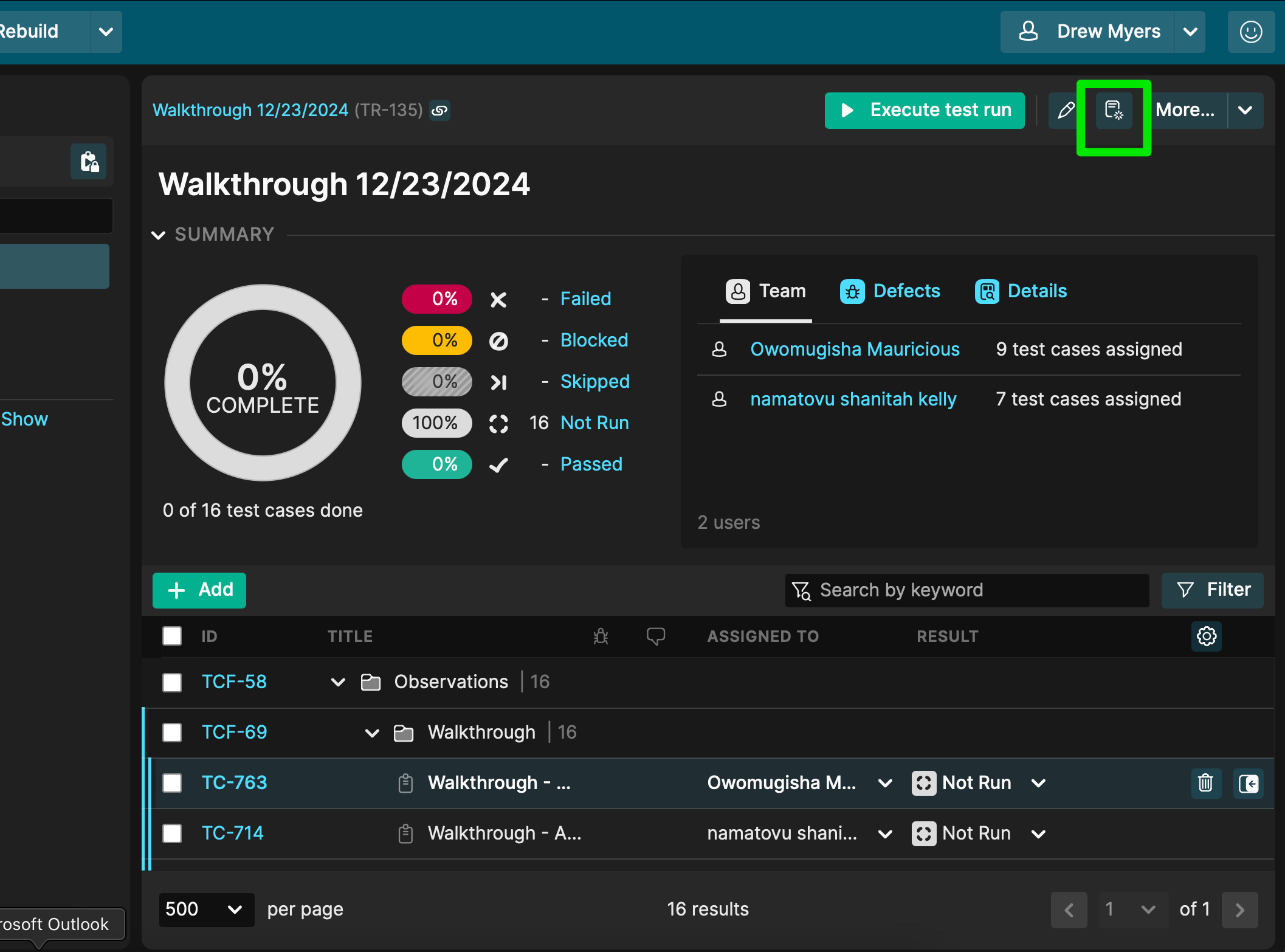
To recreate, Click on the report button from a test run:
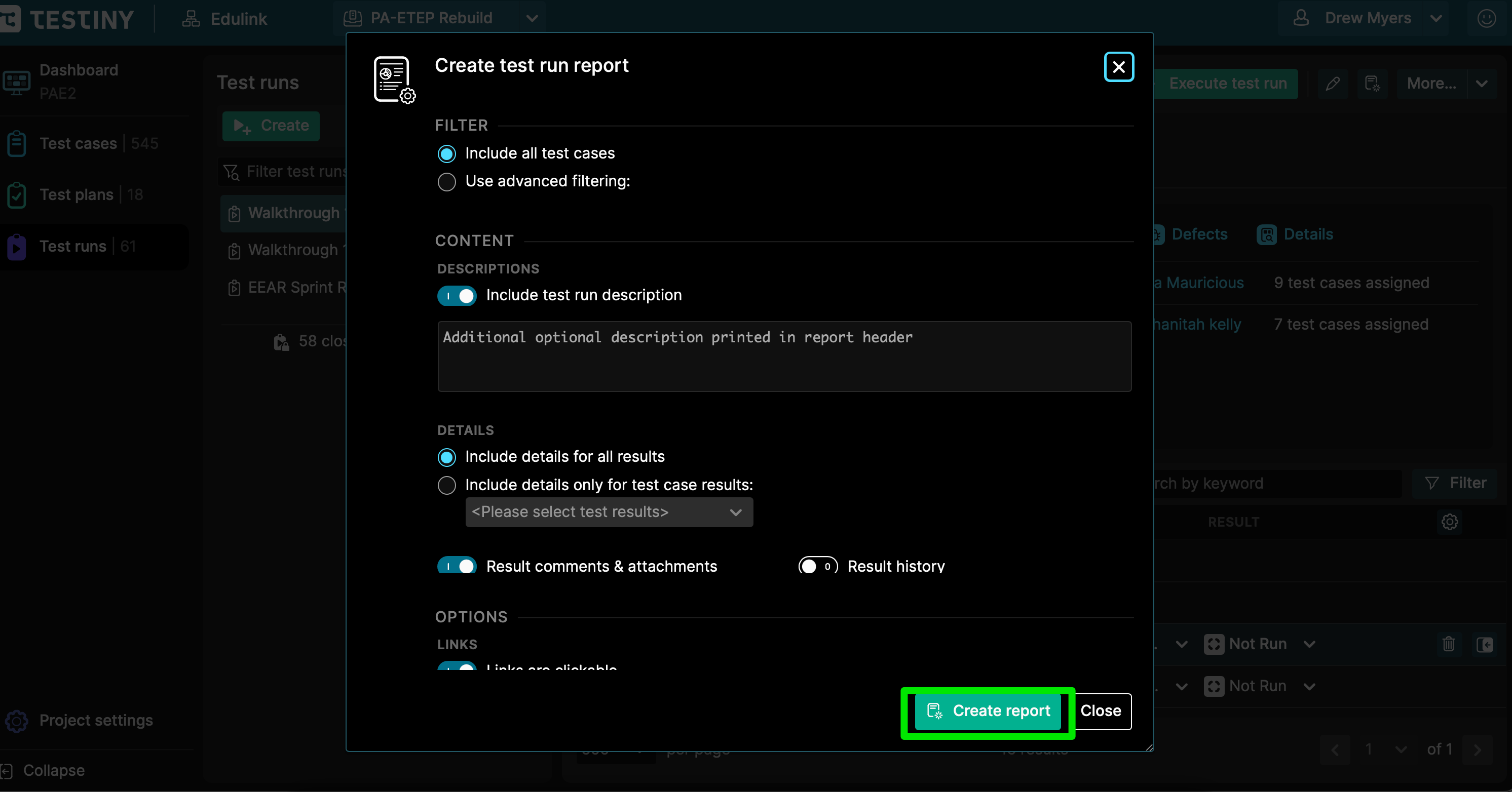
With the default settings, click “Create Report”
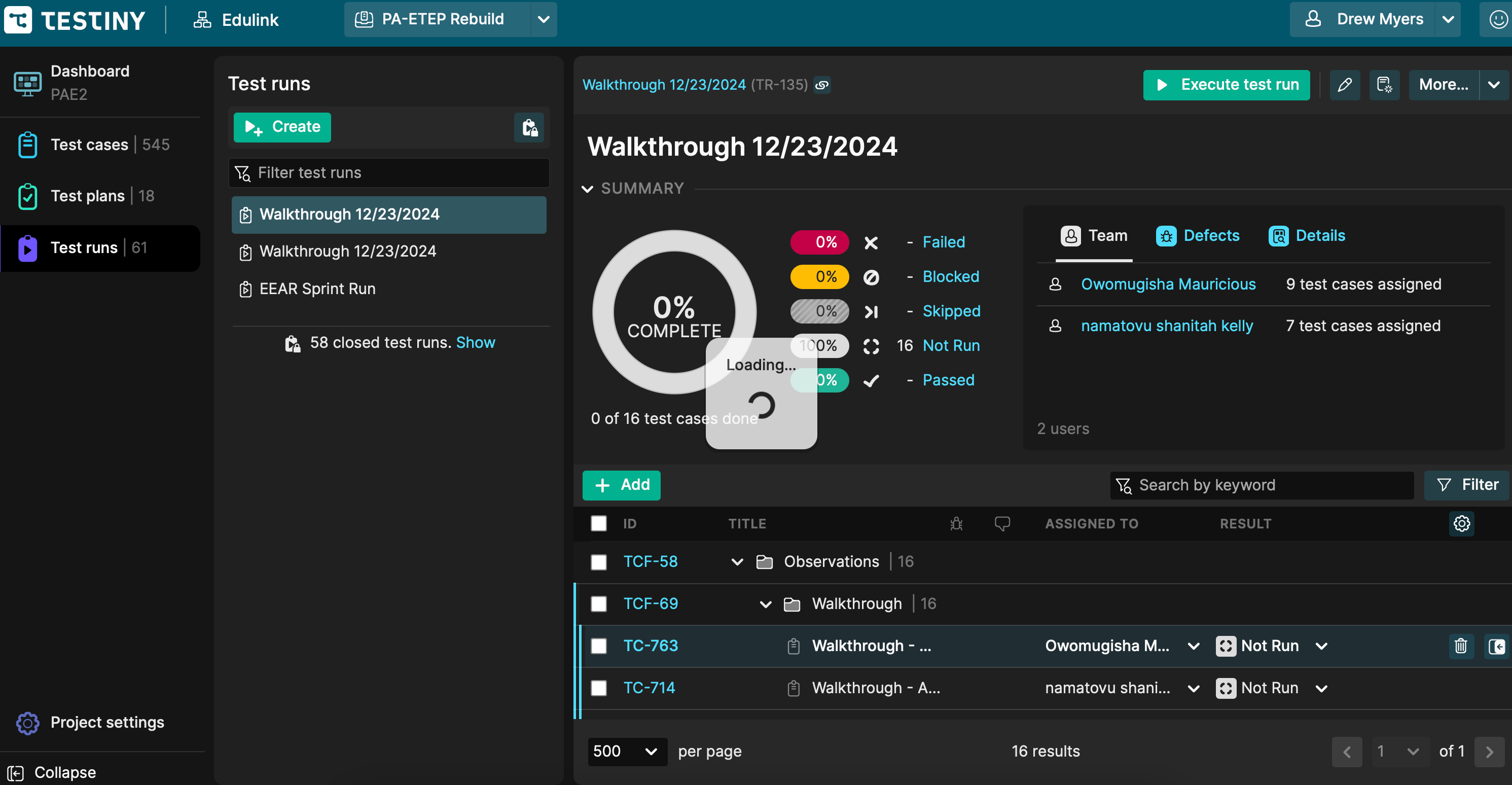
After clicking “Create Report”, this loading image displays, but a print report pop-up is never generated.
4 Answers
4
Hi Drew,
Thanks for letting us know – we are currently investigating the cause, it appears to be blocked by a Safari security measure. However, the print dialog can be accessed normally if you switch to Safari’s private browsing mode. Then the print dialog will appear as usual.
Happy holidays,
David
Hi David,
Thanks so much for your reply and for providing the private window workaround! As I said, not a huge roadblock - especially with the other ways to print the report.
Appreciate the response and promptness of you and your team! Happy Holidays,
Drew
We’ve just deployed a new version including a potential fix for your problem. Would be great if you could give use feedback if printing with Safari works for you now.
Thanks!
Best regards,
Alex
We’ve given it another shot with the newest release, please give it another try.
We completely changed the loading algorithm to make it less impacted by browser events.
Thank you!
Best regards,
Alex
Hi, Alex, Thanks so much for you and your team's speedy response! It looks like the issue is still occurring for me (the loading icon continues, but no report is generated). I have also tried to clear my cache/cookies and attempted to generate the report a second time (with no success). Again thanks for your reply! Happy to share more details if needed. Thanks, Drew
– Drew_MyersAh, that's disappointing, we had some positive feedback from our testers (but also negative), so it was more of a hope. We still don't know what the issue is, because it just stopped working at some Safari update and also works on Testiny development platforms. Seems like some weird security issue. For now, we can just say, please either use the private window workaround or another browser :-| Thanks!
– Alex_Hoisl