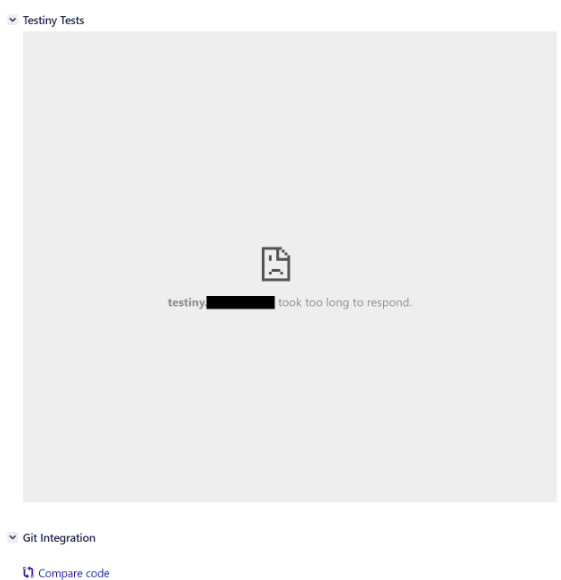
we urgently need the ability to restrict the visibility of the Testiny plugin within Jira projects.
Since Testiny is only used by one department within our Organization, it is essential for us to be able to enable the plugin exclusively for our team’s projects. At the moment, all employees who do not use Testiny see an error message in every Jira ticket. As a result, we are currently unable to use the Jira integration at all.
Additional note: The error could be fixed by our side, but it’s important to restrict the visibility of the Plugin for only these Projects, where Testiny is used. So employees who are not using Testiny do not see the message at all.
We just released a new version of the Testiny Addon for Jira DC today. You should now have the possibility to enable/disable the addon per Jira project.
Make sure to download the correct version for your server (0.3.0 should be the right one):
Many thanks! I have just received confirmation from our support team that it is now possible to enable or disable the plugin on a per-project basis.
Unfortunately, the plugin is currently enabled by default for all projects, which would require us to manually go through approximately 300 projects to disable it individually.
Is there any way to simplify this process? Ideally via global settings, but alternatively through a bulk update, ScriptRunner, an API call, or a similar approach. This would save us a significant amount of time and effort.
Unfortunately, there is no global flag defining the default.
There may be a way using the API to set the project property, but I’m afraid I can only point you into that direction. The following function should do it, just copy it into your browser console when having a Jira page open:
function toggleTestinyFlag(id, enabled) {
    if (typeof id != 'number' || typeof enabled !== 'boolean') {
        throw new Error('Usage: toggleTestinyFlag(<id>, <true|false>)');
    }

    fetch(`/rest/testiny-plugin-config/1.0/project/${Number.parseInt(id)}/flag`, {
        method: 'PUT',
        headers: { 'Content-Type': 'application/json' },
        body: JSON.stringify({ enabled })
    }).then(res => {
        if (!res.ok) { throw new Error(`Request failed: ${res.status}`); }
    }).then(data => {
        console.log('Flag updated successfully for project id:', id, 'to:', enabled);
    }).catch(err => {
        console.error('Error updating flag:', err);
    });
}
You can then call the function with the project ID (not key!), this should be an integer e.g 10012.