Custom fields & test case templates
Customize your test cases in Testiny by utilizing custom fields, choose different test case templates for the test case structure, and define your own test result states – fully customizable to perfectly fit your personal needs.
Create custom fields for test cases.
- Standard test case fields.
- Testiny provides basic test case fields like ID, title, owner, precondition, steps, etc. that should cover most needs out of the box. More predefined fields (priority, type, …) just have to be enabled if needed or you can add custom fields.
- Custom fields.
- Expand and change the scope of your test case information by adding your own custom fields and using them for your test cases . Define the data type (number, string, text, URL, duration, dropdown, multi-select…), provide default values or make it a required field – completely customizable.
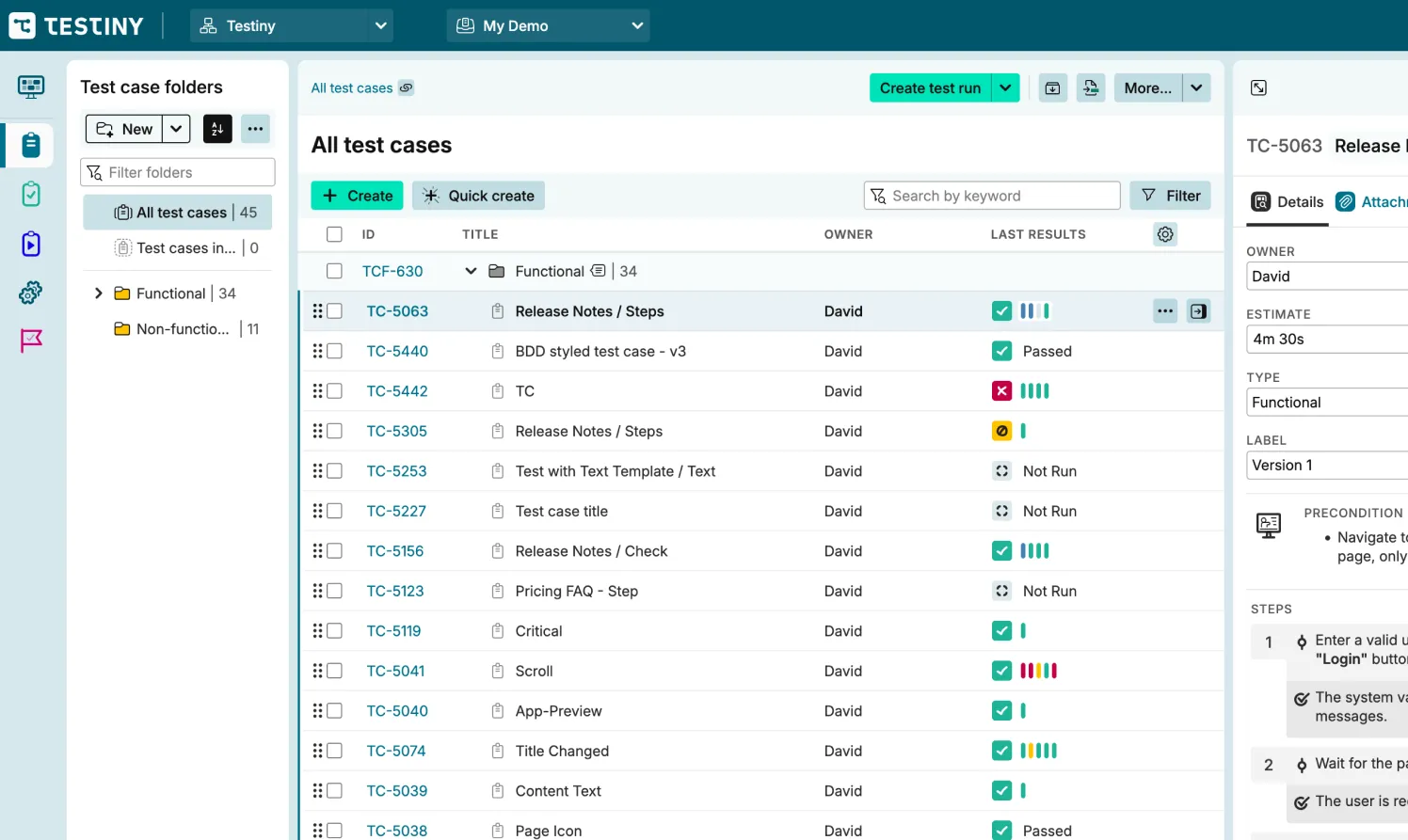
Templates and state-of-the-art editor for writing test cases.
- Test case templates.
- Choose between different templates for test cases. The text template provides the most flexibility, with the steps template you can describe the test case step-by-step and define the expected results for each step, and the BDD template holds Gherkin scenarios for behavior-driven tests.
- State-of-the-art rich text editor.
- Style your test cases with our WYSIWYG editor – add various styles, nested lists, tables (with lists inside them), code blocks, images and links, plus quick-copy for code and quotes.
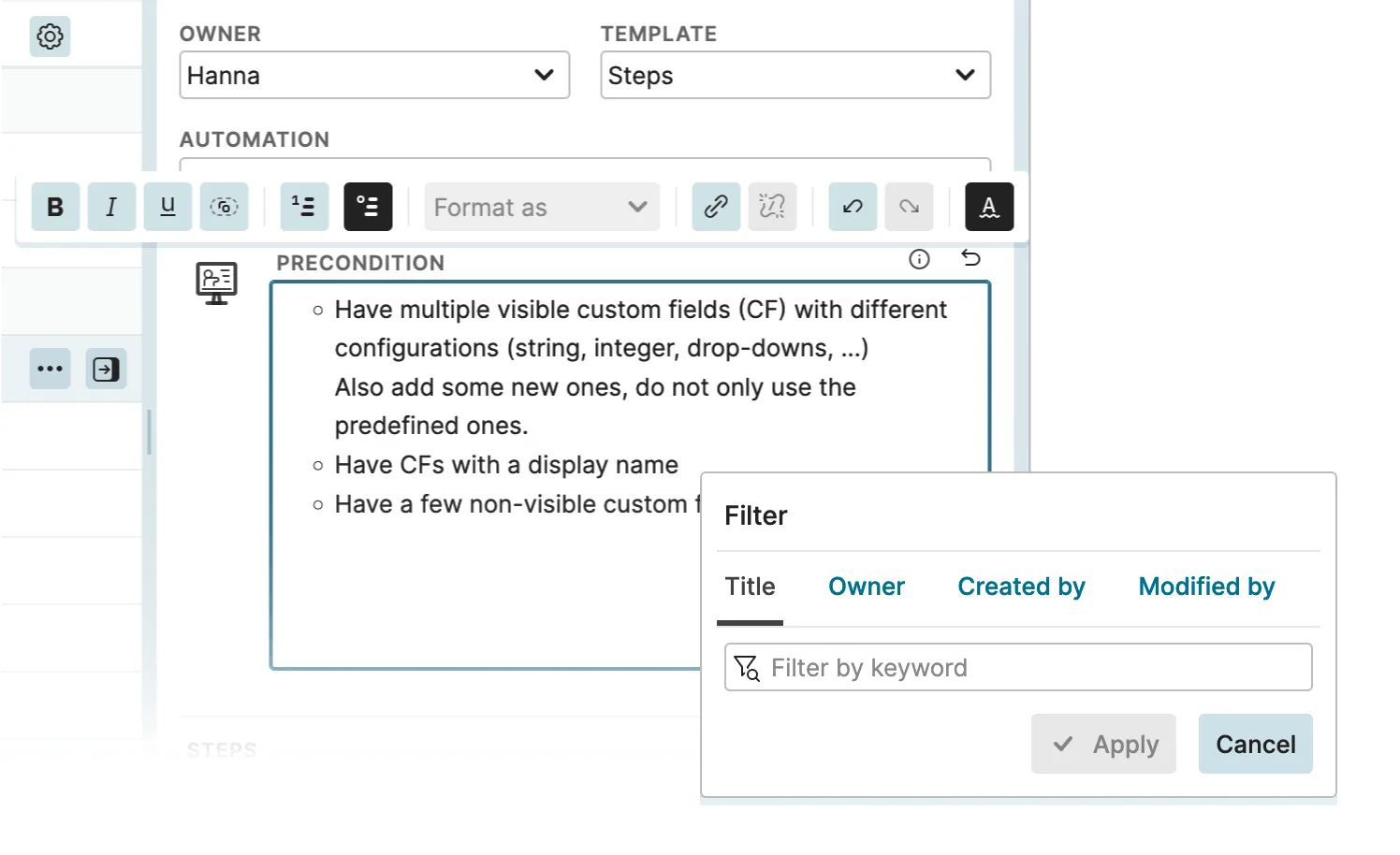
Define your own test result states.
Passed, failed, blocked and skipped cover most testing, but not every process. With custom result states you decide which outcomes a tester can record.
- Go beyond the built-in states.
- Define your own result states in addition to passed, failed, blocked and skipped, so testers can capture exactly the outcomes your testing process needs.
- Fit your testing process.
- Whether a test needs a state for “retest”, “won't fix” or a stage of your own review workflow – map the process you already follow instead of squeezing it into four fixed outcomes.
- Report on them across runs.
- Custom result states are treated like the built-in ones when you execute tests: filter and analyze test cases by them, and report on them across all of your test runs.
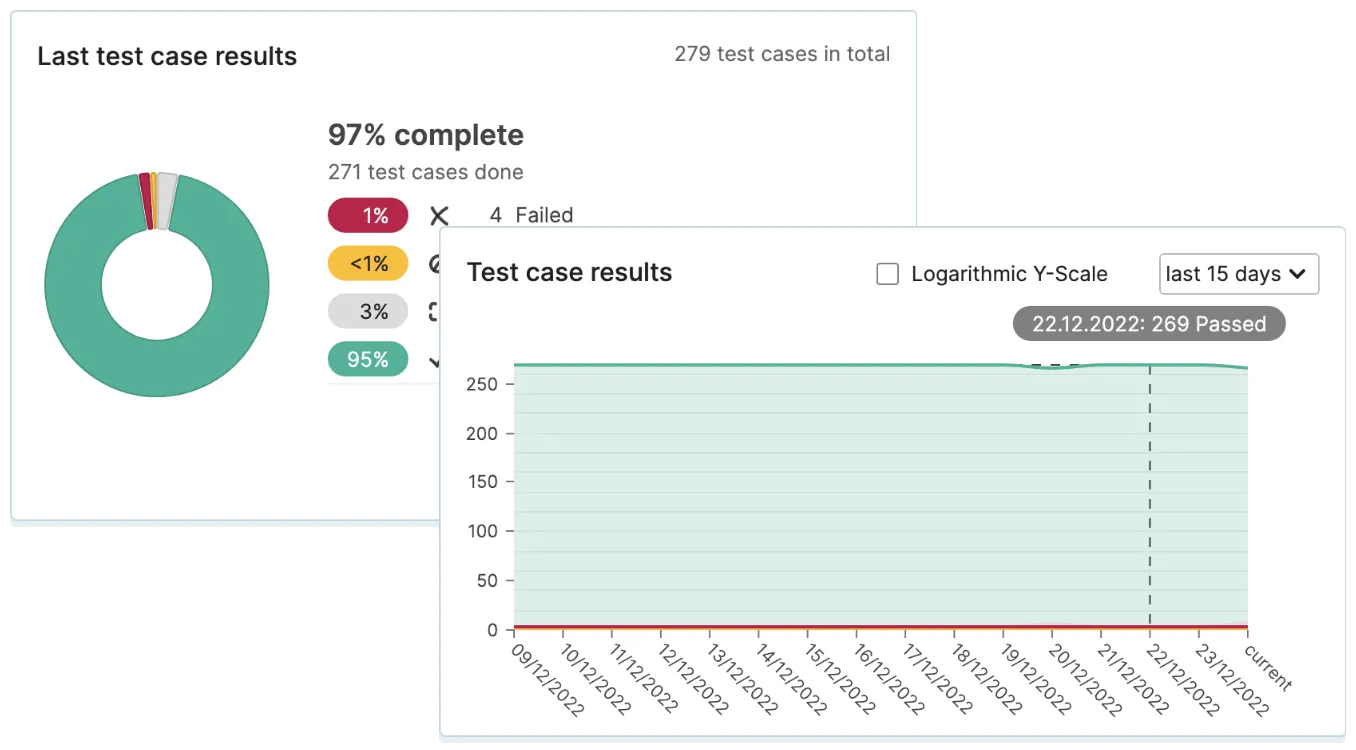
Customizable test case management.
Test management tools are essential for efficient and effective software testing. They help teams keep track of test cases,
requirements, defects, and other testing-related tasks. Testiny provides these features and in addition to that, is
customizable. Customizable tools are important for successful software testing, as they adapt to your processes and can grow
with you and your team.
Testiny does exactly that – it provides standard fields that cover most of your needs out-of-the-box for efficient test management
but do not clutter the user interface. With custom fields, you can completely customize Testiny. You can choose to track and display
only the most relevant information for a lean and light testing experience, but you can also map more complex testing processes
to Testiny and track more details. The same applies to the outcome of a test: with custom result states you are not limited to
passed, failed, blocked and skipped, so the results you record during
test execution match the vocabulary your team already uses.
The advantage of custom fields in Testiny is that it boosts your productivity even
more – testers and developers can quickly find the information they need and they can also focus on their tasks without being
distracted by unnecessary information. Furthermore, custom fields can also make it easier to collaborate, as you can make Testiny
fit your work style to share information and communicate effectively. A test management tool should always grow with your team
and adapt to your processes – Testiny is doing that and allows you to implement successful software testing.
Video Tutorial
See custom fields in action
Watch how to create and use custom fields to tailor Testiny to your process.
Discover more test management features
Level up your testing game.
Start using Testiny today.
Free 21-day trial available. No credit card required.