Reporting
In Testiny, you can create reports of test plans - a summarized overview of test runs created from a test plan.
To create a PDF report of a test plan, navigate to the test plan and select the menu item " Create report".
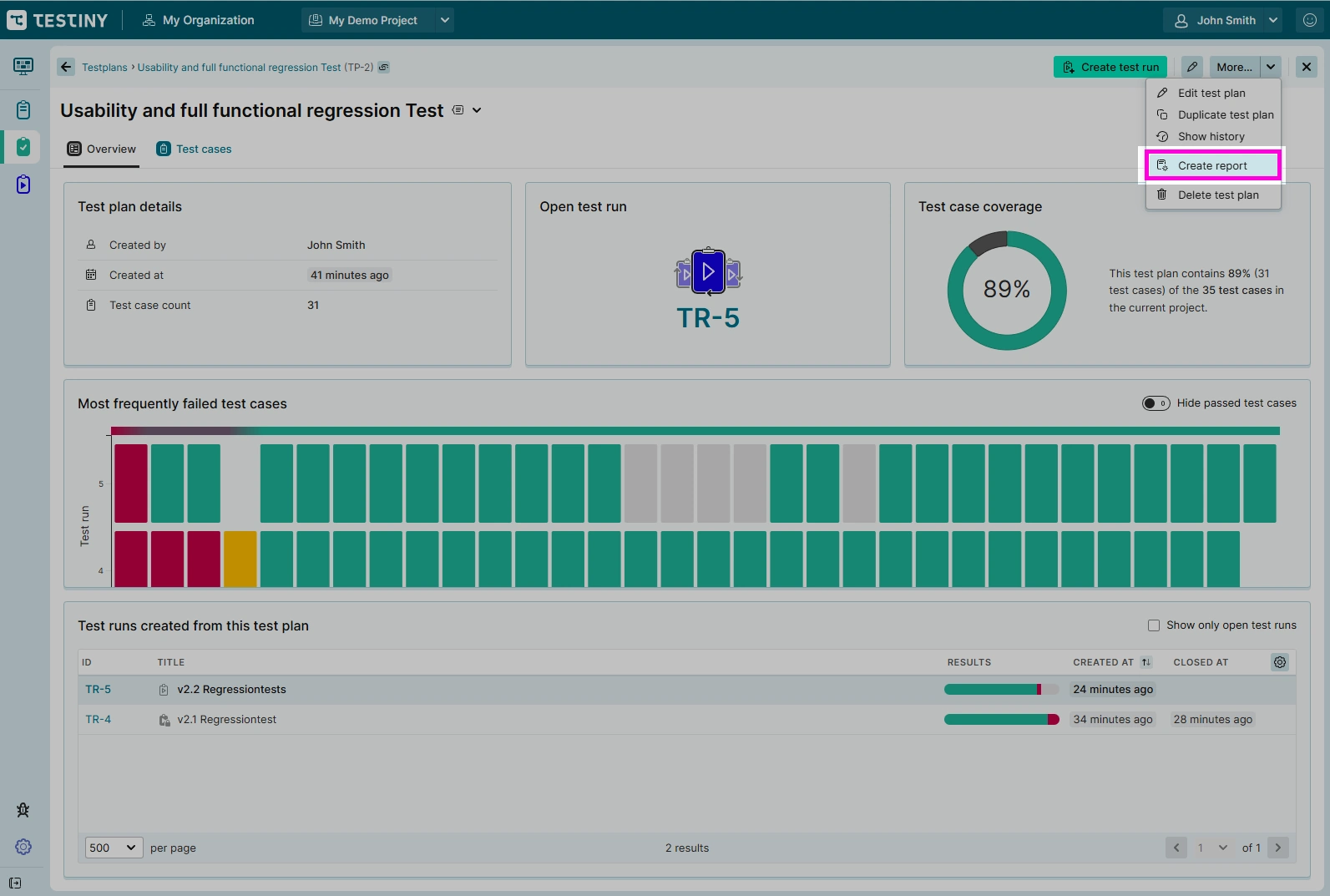
In the settings dialogs, you can configure following options for your PDF report:
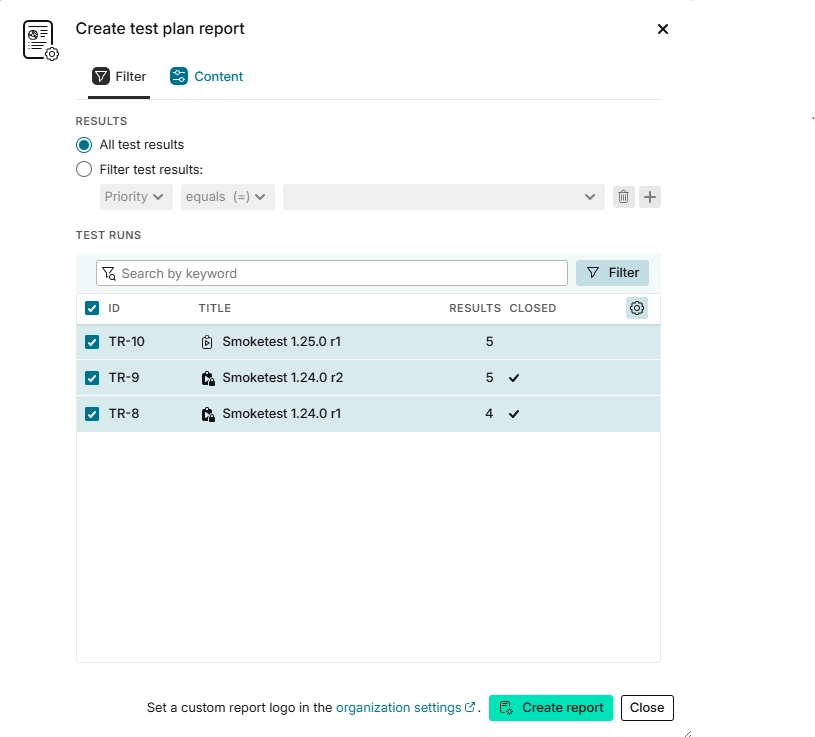
Filter
You can include "All test results" to create a full report including all test cases or add a filter to create a partial report.
Filter by test case properties such as priority, custom field values, test case folder, or result properties such as the user who executed the test case.
In addition, you can select the test runs you want to include in the report.
Combine filters and selected test runs to cover various use cases:
- Full report (no filter, all test runs)
- Only failed test cases (Result = 'Failed', select test runs where the 'results' column is not empty)
- Only closed test runs (no filter, select test runs where the 'closed' column has a checkmark)
- …
Content
-
Descriptions:
Check to include the test plan description in the report header.
Check to include the test run description at the beginning of each test run.
Optionally, provide an additional description to be displayed in the report header. -
Shown tables and Options:
These sections allow you to configure the behavior and scope of included test runs.
See Test run report section for details.